

iPad Air 13 (M2) repairs
Screen, battery and charging port repairs in London. Ask for a quote first, then bring it in or post it to us.

A cracked 13-inch M2 Air display - a large bonded panel, lifted evenly and replaced as one part.
A new 36.59Wh cell for a 13-inch M2 Air - the fix for fast drain, early shutdowns or a swelling battery.
A 13-inch M2 Air that has stopped charging - port replaced under the microscope, board tested first.
Diagnosis & Recovery
iPad diagnostics - all models. Unknown faults, liquid damage or multiple problems: we find the source and give you a clear quote to fix it. We test the iPad - opening it up if the fault calls for it - and assess what repair is needed and its chances of success. Beyond repair? We can offer a parts buyback.
Good to know: Not refunded if you decide not to go ahead.
What the assessment fee covers
- Full assessment by an in-house technician
- An honest verdict on what is wrong
- A firm price before any repair starts
- Fee credited towards the repair - you pay the balance of the quote
- No obligation to proceed
Professional ipad water damage treatment in London. Ultrasonic cleaning of liquid residue and corrosion, then a full assessment of what the liquid reached.
Good to know: Sometimes the clean alone brings it back. The fee is not refunded if the device can’t be saved.
What the cleaning fee covers
- Ultrasonic cleaning and corrosion treatment
- Full diagnostics once the board is clean
- An honest verdict on what is worth saving
- A firm price for any further repair before it starts
- No obligation to proceed
Assessment first: we tell you what can be recovered from your iPad, and what the recovery costs, before any recovery work starts. Photos, notes and documents from an iPad that will not switch on, has been in water, or has a failed board. Storage is soldered to the logic board, so recovery is microsoldering work - there is no drive to lift out and read somewhere else.
Good to know: If nothing can be recovered, there is nothing further to pay. The assessment fee is not refunded - it covers the work of finding out.
What the assessment fee covers
- Full assessment of the device and its storage
- An honest verdict on what can be recovered
- A firm price for the recovery before any work starts
- Fee credited towards the recovery - you pay the balance of the quote
- No obligation to proceed
Know the fault, but don’t see it listed? Tell us what’s wrong with your iPad Air 13 (M2) and we’ll reply with a price, or tell you if we need to see it first.
What we fix on the iPad Air 13 (M2)
Broken Screen Replacement
Cracked, black or not responding to touch. The glass and display are one part, so we replace the whole assembly.

Battery Replacement
Drains fast, will not hold charge, or the screen is starting to lift. A lifting screen means a swollen battery, so stop using it.
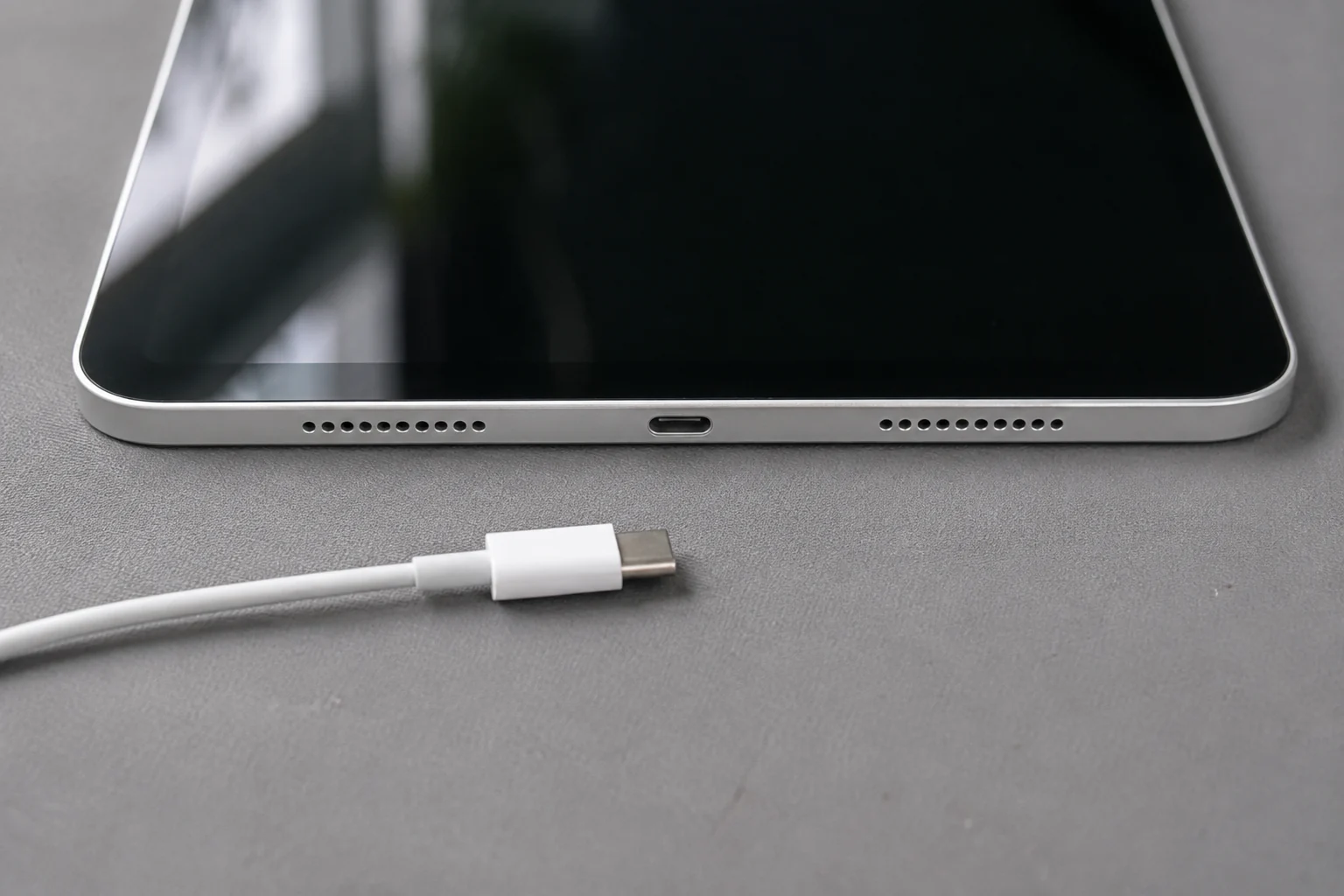
USB-C Port Repair
Loose, not recognising cables or charging on and off. We check whether it is the port, the battery or the charging circuit.
Safe checks before repair
Won't Turn On
Could be the battery, the board or the software. We find the cause before we quote.
Safe checks before repair
Liquid Damage
Turn it off and bring it in fast. We clean the logic board ultrasonically before corrosion sets in.
Three ways to get it fixed
Book a same-day slot
Get your quote, pay ahead and we order the part. You come in and wait while we fit it.
Visit in about 2 working daysLeave it with us
Bring it to 136 Kingston Road, Wimbledon, and pay on collection.
Ready in 1-3 working daysPost it to us
Send it from anywhere in the UK, well packed and tracked.
Back in 2-5 working daysSending your iPad? Keep the case and any accessories at home unless they need repair.
What is different about this iPad
Glass and display are one part
Cracked glass means a new display assembly, even when the picture still works.
Touch ID is in the top button
It is not part of the display, so we test it before you get the iPad back.
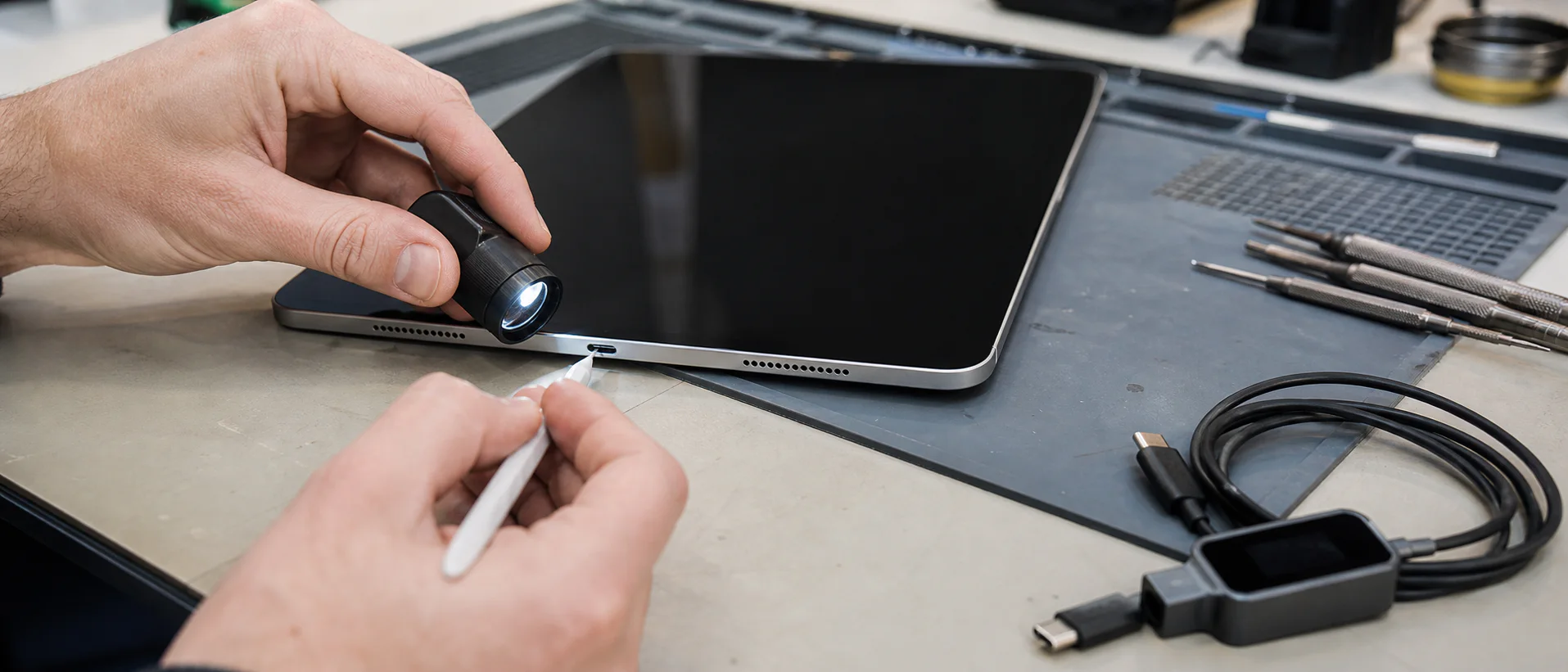
A USB-C port
It is reached by removing the screen, which is why we check that the repair is worth it first.
From 1,000+ reviews on Google and Trustpilot, and over 220,000 repairs since 2014.
Read all reviewsAfter dropping my iPad and shattering the screen, Fixfactor ordered a replacement part on the day I called and kept me properly informed. When I dropped it in for repair I was able to collect later the same day and so far am very happy with the result.
Jenny BerrymanGoogle
I would like to say thank you to Fixfactor! My iPad had a reboot loop issue and Apple said they could not help - the only solution they gave me was to buy a new one. Then I found Fixfactor and they brought my iPad back to life!
Shirley WongGoogle
These guys are fantastic! I'm lucky to live nearby, but it would be worth travelling, because their work is beautiful. They replaced my broken iPad glass and it works better than it did before the break. They are just so pleasant to work with - always a smile, friendly and helpful. Highly recommend.
Kate M.Google
Repaired a headphone socket problem on my iPad in 5 minutes that Apple had said was unrepairable! Amazing service - highly recommend.
Charles HollandGoogle
Great fast and friendly service. Repaired the smashed screen on my iPad in just a few hours. Highly recommended.
Nic WeeksGoogle
Excellent service! Dropped my iPad Mini in with a smashed screen and they repaired it within 24 hours. Well worth it and the service was very professional and quick with friendly staff at the workshop.
Jude SpackersGoogle
Good to know
The questions we are asked most about the iPad Air 13 (M2). Different model? See all iPad repairs.
How long will it take?
Most repairs take 1-3 hours once the part is here. We do not hold stock, so a same-day repair means the part was ordered ahead of your visit.
How do I find my model?
Settings > General > About gives you the model name and number. The number starting with A is also on the back, near the bottom.
Will I lose my data?
These repairs do not touch your storage and we never delete anything on purpose. No repair is risk-free and we cannot accept liability for lost data, so back it up before you hand it over.
My battery is swelling. Is it dangerous?
It can be. Stop using it and do not charge it, because a swollen battery can rupture or catch fire if punctured. Contact us and we treat it as urgent.
Do you need my passcode?
To test everything after the repair, yes. A guest account also works. Without access we can only do a basic power-on test.
What warranty do I get?
6-12 months on parts and workmanship, depending on the part. Claims are handled at our Wimbledon workshop.
How does the diagnostic fee work?
You pay it upfront, at the counter or online if you post it. It is credited towards the repair if you go ahead, and it is not refunded if you do not, because it pays for finding the fault.